
Minecraft Bedrock Edition
The universal Minecraft edition built for seamless crossplay. Connect with friends across Windows 10/11, Xbox, PlayStation, Nintendo Switch, Android, and iOS in shared worlds.
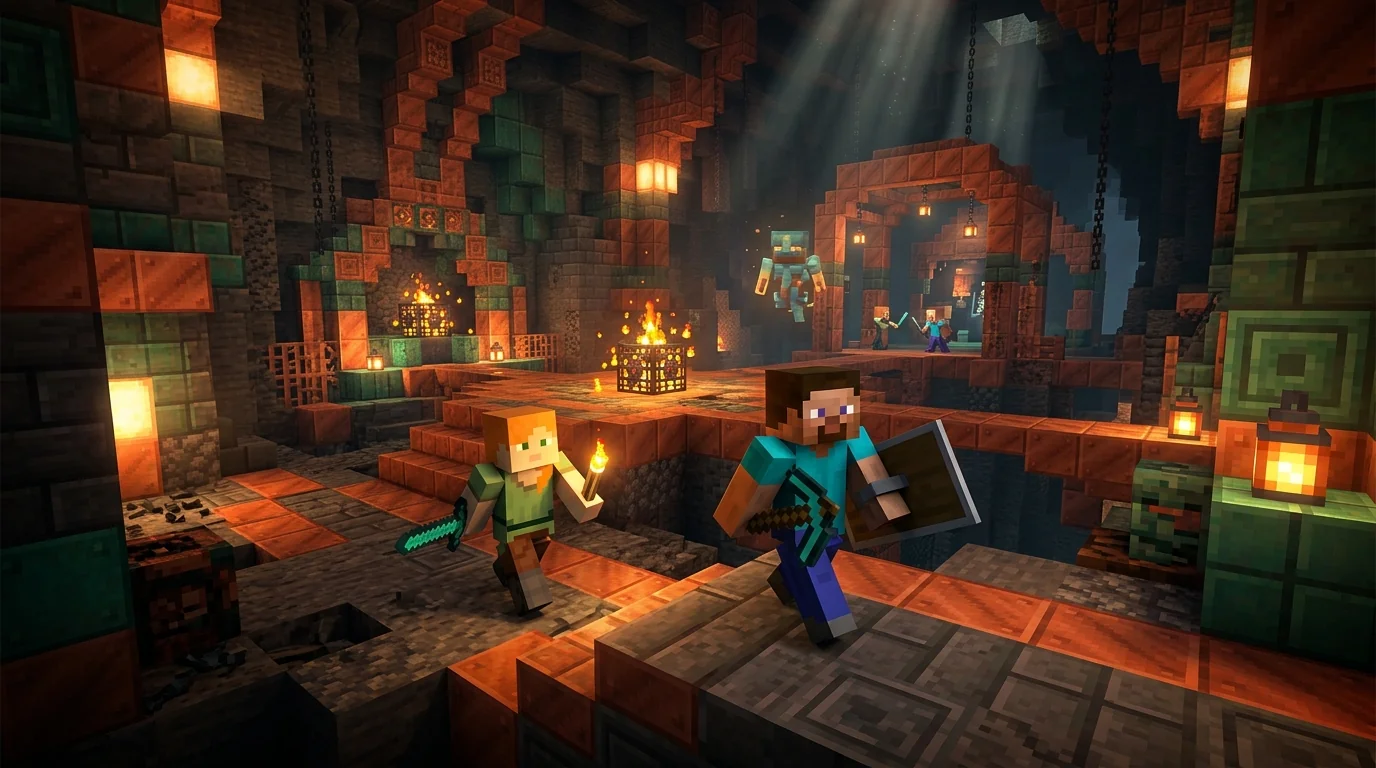
⚙️ Minecraft Bedrock Edition Specifications
Everything you need to know about the Bedrock engine specifications, crossplay compatibility, and platform availability:
Download Minecraft Bedrock Edition
Download the official Bedrock build for your preferred platform. Direct install package verified for safety and latest Tricky Trials content.
⬇️ Download Bedrock Edition v1.21
How Cross-Platform Play Works in Bedrock Edition
Unlike Java Edition which runs inside a Java virtual machine on desktop PCs, Bedrock Edition is written in high-performance C++. This allows it to run identically across smartphones, modern game consoles, and PCs.
Here is how you connect with friends across any device in 3 easy steps:
1. Add Microsoft Gamertag
Open your Friends tab in Minecraft, click Add Friend, and type your friend’s free Microsoft Gamertag.
2. Host or Join a World
When one friend starts playing a world with Multiplayer Game enabled, the world immediately shows up on all friends’ screens.
3. Dedicated Servers (BDS)
Want a 24/7 world? Join official featured servers (like The Hive or Cubecraft) or connect to custom IP addresses.
Bedrock vs Java Edition: Key Differences Explained
Wondering which version is best for you? Here is the complete breakdown in simple terms:
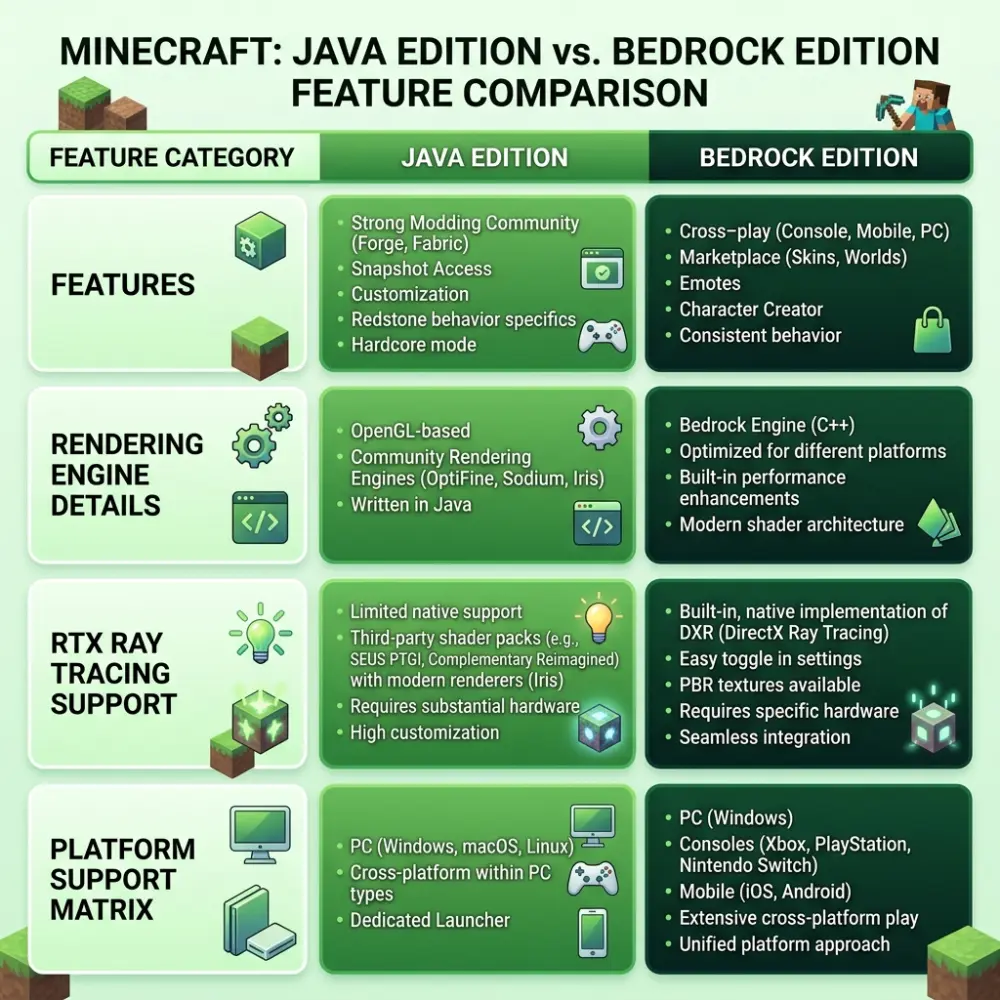
| Feature | Bedrock Edition | Java Edition |
|---|---|---|
| Crossplay Support | ✅ PC, Xbox, PlayStation, Switch, iOS & Android | ❌ PC only (Windows, Mac, Linux) |
| Performance & FPS | ⚡ Extremely fast; smooth even on budget phones | Needs mods (Sodium/Fabric) for high FPS |
| Modding Ecosystem | Add-ons (.mcaddon) & Marketplace Packs | Massive community mods (Forge, Fabric, NeoForge) |
| Combat System | Spam click attack (Fast paced) | Attack cooldown timer & sweeping edge |
| Redstone Behavior | Deterministic redstone (No quasi-connectivity) | Quasi-connectivity & bud powering tricks |
Bedrock 1.21 Highlights: The Crafter & Trial Chambers
The newest Bedrock release brings thrilling new adventures to your survival worlds. Underground Trial Chambers generate randomly in the Overworld, featuring copper structures and combat spawner challenges that drop exclusive Vault Keys.
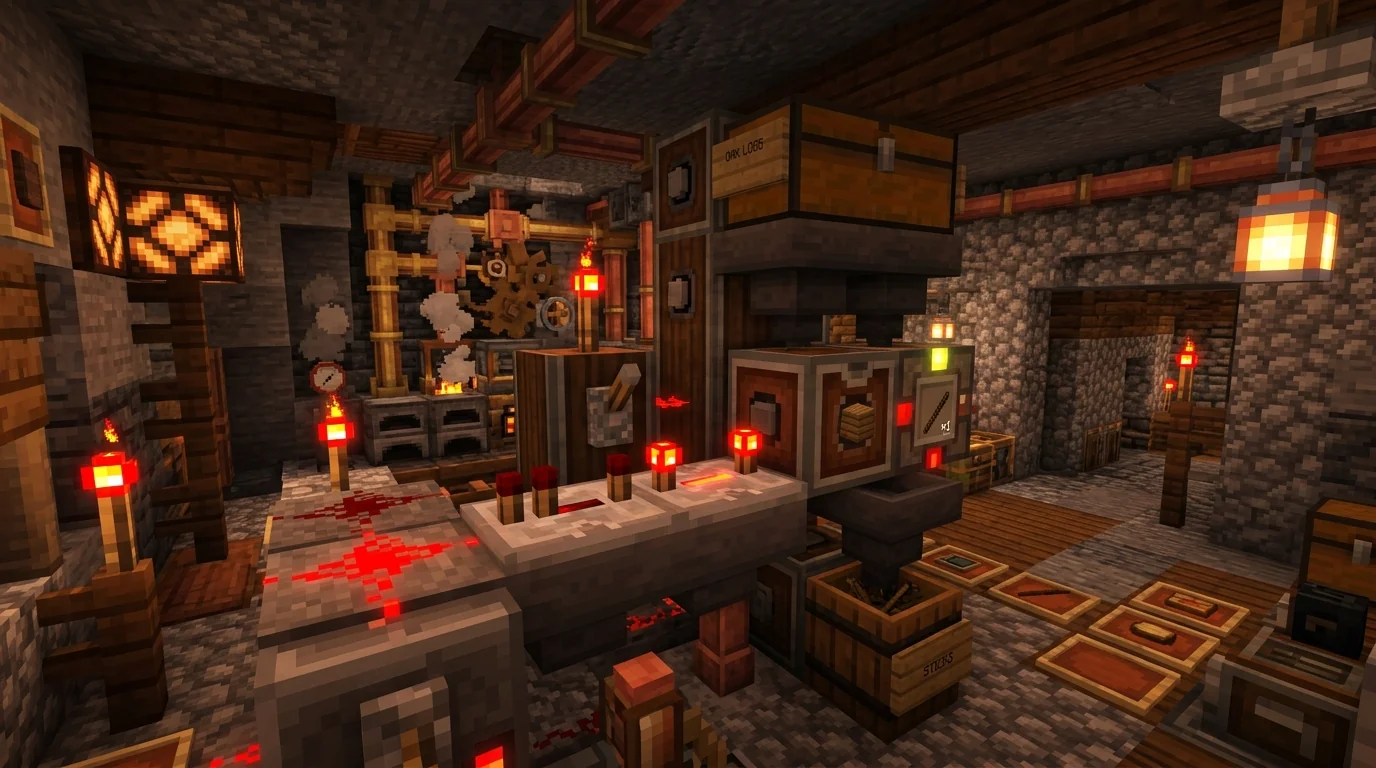
You can also build full automated factories with the Crafter block! Powered by simple Redstone pulses, the Crafter crafts armor, tools, and materials automatically without needing you to click every item manually.
🛠️ Bedrock Repair Center: Quick Troubleshooting
❌ “Unable to Connect to World”
Occurs when client versions do not match or Microsoft NAT privacy settings block the connection.
🔄 “Outdated Server” Error
The host realm or server is running a different update than your installed game version.
👤 Microsoft Sign-In Glitch
The game signs out immediately upon relaunching or loops infinitely.
📉 RenderDragon GPU Stutter
Frame drops on certain PC graphics cards after graphic updates.
Frequently Asked Questions About Bedrock Edition
Do I need an Xbox console to play Bedrock Edition?
No! Bedrock Edition runs on Windows PC, Android, iPhone, iPad, Nintendo Switch, and PlayStation. You only need a free Microsoft account for multiplayer.
Can Bedrock and Java players play on the same server?
By default no, but servers running the popular community plugin called GeyserMC allow Bedrock players to join Java servers seamlessly!
Are Bedrock Add-ons free or paid?
Both! While the in-game Marketplace sells official creator packs, you can also download thousands of completely free .mcaddon packs from trusted fan sites.
Can I transfer my world from Bedrock to Java?
Yes, you can convert worlds between formats using free community tools like Chunker or Universal Minecraft Tool.
Does Bedrock Edition support Ray Tracing (RTX)?
Yes! On Windows 10/11 PCs equipped with NVIDIA GeForce RTX or AMD Radeon RX 6000+ graphics cards, you can enable hardware Ray Tracing for realistic lighting and water reflections.
How many players can join a local Bedrock world?
A standard single-player world allows up to 5 simultaneous friends over local Wi-Fi or Xbox Live, while Realms supports up to 10 players, and Dedicated Servers support hundreds.
Why is Redstone different on Bedrock Edition?
Bedrock uses a deterministic update order that prevents bugs like “quasi-connectivity” found in Java, making standard piston doors and elevators behave slightly differently.
Can I play Bedrock Edition with a keyboard and mouse on console?
Yes! Xbox and PlayStation consoles natively support plug-and-play USB keyboards and mice for Bedrock Edition.
How do I join a custom server IP on Bedrock?
Go to the Servers tab, scroll to the bottom, click Add Server, and enter the Server Name, IP Address, and Port (default 19132).
Is Minecraft Bedrock Edition safe to download?
Yes, all installation packages hosted on TheMinecraftHub are SHA-256 integrity checked and verified clean of malware or unwanted modifications.